
What Is OTG Technology On-The-Go Connectivity Explained
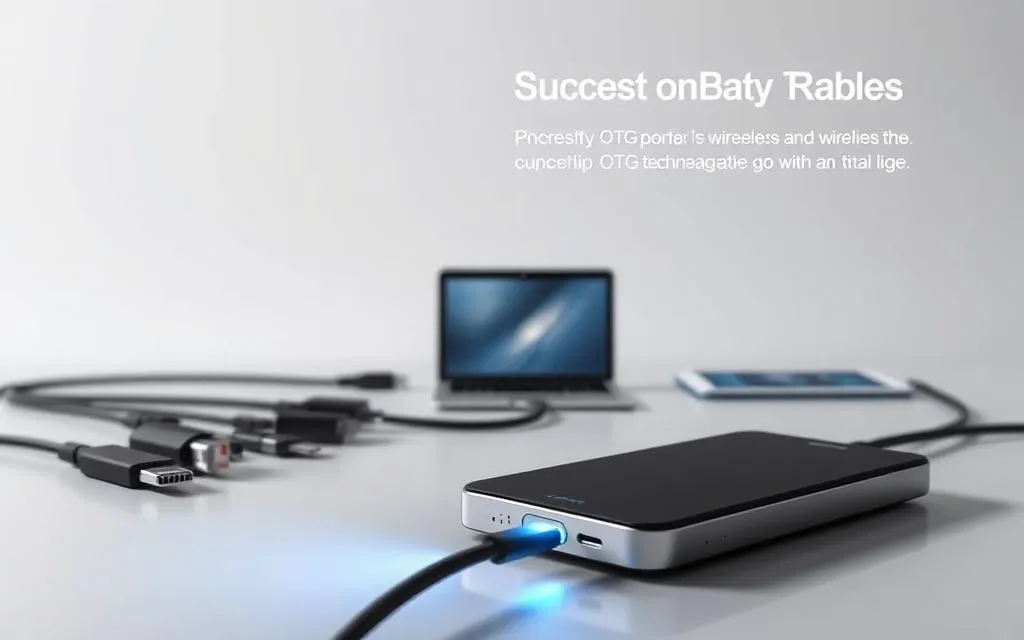
Modern mobile devices have changed how we transfer data and connect peripherals. At the core of this change is USB On-The-Go (OTG) technology. It’s a game-changing standard that lets smartphones and tablets act as host devices. It was first standardised by the USB Implementers Forum in 2001.
This protocol removes the need for computers in device-to-device communication.
Today, OTG shows its versatility in many ways. Users can connect external drives, gaming controllers, or even MIDI instruments directly to Android devices. Brands like Samsung use this feature in their top models.
This direct hosting capability comes from special circuitry. It lets mobile devices switch between host and peripheral modes easily.
It also fits naturally to connect this with new top deal legit an where the topic is explored from another practical angle.
That topic also connects naturally to dts technology digital theater systems from another useful angle.
The technology has evolved to meet growing needs for mobile connectivity solutions. It’s used by professionals and hobbyists alike. From photographers to musicians, OTG makes workflows easier that were once only for desktops.
Recent improvements by companies like TOTAL Phase have boosted data transfer speeds and power management.
For American consumers, OTG offers big benefits. It makes tasks like printing from tablets or backing up photos easy. Without needing cloud storage, OTG is key to mobile device functionality. It bridges the gap between being portable and having full computing power.
Defining USB On-The-Go Technology
USB On-The-Go (OTG) changes how we connect devices on the move. It lets smartphones and tablets be both hosts and peripherals. This means you can share files or connect accessories like external drives without needing a computer.
Core Functionality and Key Components
At its core, OTG technology switches roles using two protocols: Host Negotiation Protocol (HNP) and Session Request Protocol (SRP). These protocols help devices decide who controls the data flow. This is important when you connect two phones or a tablet to a printer.
Host vs Peripheral Mode Switching
In host mode, devices can power peripherals like USB flash drives. In peripheral mode, they can act as input devices when connected to computers. This requires specific hardware.
| Feature | Host Mode | Peripheral Mode |
|---|---|---|
| Power Supply | Provides 5V/500mA | Receives power |
| Data Control | Initiates data transfers | Responds to requests |
| Device Examples | Smartphones, tablets | Keyboards, mice |
Required Hardware: OTG Cables and Adapters
OTG cables have micro-AB receptacles that detect devices through ID pins. Samsung’s GH96-12331A adapter shows this with its chip that switches modes automatically.
Three key parts make OTG work:
- Micro-AB ports (different from standard USB connectors)
- Dual-role power management systems
- Protocol-aware controller chips
These parts work together for fast role changes. They usually switch modes in under 500 milliseconds.
Understanding USB OTG Specifications
USB On-The-Go needs clear rules for data and power. These rules decide how fast data moves and what devices work together. Knowing these rules is key for a good OTG experience.
USB Standards Compatibility
OTG works with many USB versions, but each version is different. Let’s look at how these differences affect how well OTG works.
USB 2.0 vs USB 3.0/3.1 Capabilities
The table below shows the main differences in OTG performance:
| Feature | USB 2.0 | USB 3.0/3.1 |
|---|---|---|
| Max Speed | 480 Mbps | 5-10 Gbps |
| Power Output | 500 mA | 900 mA |
| Ideal Use Cases | Basic peripherals | HD video transfer |
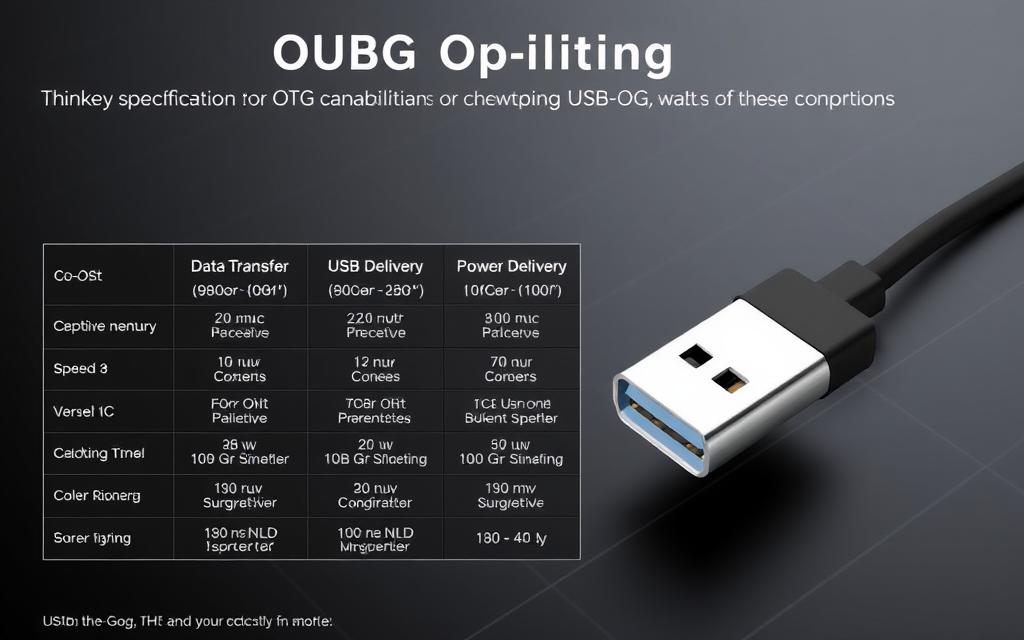
OTG needs a lot of power, but most devices can only give 500mA. This limits what you can plug in. For example, big devices like external drives need their own power.
As the USB-IF says:
“OTG hosts must provide minimum 8mA current while supporting up to 500mA for powered peripherals.”
Device Support Considerations
Even though OTG standards are clear, how well devices support them varies a lot.
Android Implementation Differences
Most Android phones support OTG, thanks to USB-C or Micro-USB. Samsung’s Galaxy series and older BlackBerry models like the Z30 are good examples. But, some makers limit what you can do with software.
iOS Compatibility Limitations
Apple does things differently. They only allow MFi-certified accessories. This makes it harder for iOS users compared to Android. While there are workarounds, Apple says:
“iOS devices don’t support standard USB host mode functionality.”
Knowing these details helps avoid problems. Always check your device’s USB version and power before buying OTG accessories.
Practical Applications of OTG Connectivity
Modern mobile devices become powerful workstations with OTG technology. They offer professional-grade features and solve everyday storage and connectivity issues.
Expanding Mobile Capabilities
OTG adapters link smartphones to traditional computing devices. Samsung’s Galaxy series shows how well this works, adding key features:
External Storage Solutions
- Direct access to USB flash drives and portable SSDs
- HDD support through powered hubs (requires separate 5V/2A supply)
- 4K video editing from external media on tablets
“OTG turns your phone into a field office – access client files from thumb drives or edit presentations on SD cards.”
Enhanced Input Devices
Gaming and productivity get a boost from physical controls:
- Xbox/PS controllers for mobile gaming
- Compact Bluetooth keyboards for extended typing
- MIDI controllers for music production apps
Professional Workflow Enhancements
Photographers and audio engineers gain a lot from OTG’s direct connections.
DSR Camera Integration
Nikon and Canon DSLR users can:
- Tether cameras to Android devices via USB
- Transfer RAW files directly to phones
- Control shutter settings through manufacturer apps
Note: Sony Xperia Pro models require host mode activation for DSLR tethering.
Audio Production Setups
Focusrite Scarlett interfaces show OTG’s studio power:
- Multi-track recording through smartphones
- Zero-latency monitoring with professional mics
- DAW controller support for mobile apps
GoPro’s Quick app is another example. It lets you transfer 360° footage directly to editing software via OTG while filming.
Critical Consideration: Always check power needs. Devices like RAID arrays might need extra power, even with OTG support.
Setting Up OTG Connections
Setting up OTG connections needs careful attention to hardware and software. This is true whether you’re adding more storage or connecting professional devices. Follow these seven steps for seamless device recognition and top performance on Android and USB-C devices.
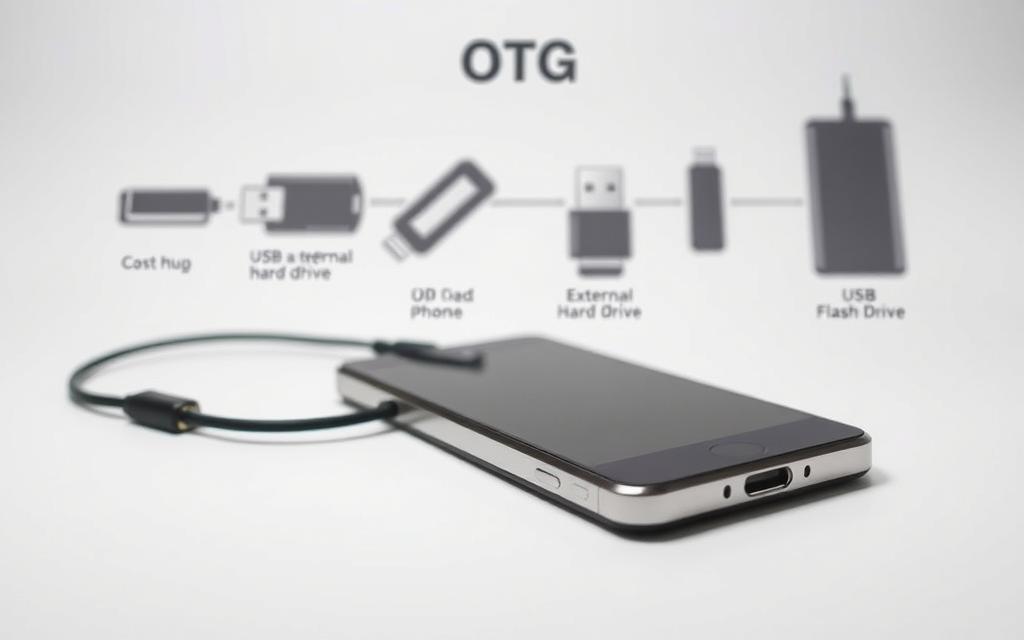
Hardware Configuration Guide
Cable Selection Criteria
Choosing the right OTG adapter is key for device function. Smartphones usually need micro-USB or USB-C connectors. These connectors differ in power delivery and data transfer speed.
| Feature | Micro-USB OTG | USB-C OTG |
|---|---|---|
| Data transfer speed | Up to 480 Mbps | Up to 10 Gbps |
| Power delivery | 500mA max | 3A standard |
| Durability | 1,500 cycles | 10,000 cycles |
Samsung suggests using certified USB-IF adapters. This is to avoid data corruption, like when using external SSDs or high-power devices.
Power Management Best Practices
Right power distribution stops system crashes during OTG use. Here’s what to do:
- Use self-powered hubs for many devices
- Keep peripheral draw under 100mA on unrooted devices
- Use Y-cables for power needs of devices like portable HDDs
Motorola Droid 4 users must use an external power supply for OTG peripherals, as the manufacturer says.
Software Requirements
File System Compatibility
Android’s OTG detection mainly supports FAT32 formatting. But, newer devices also recognise exFAT partitions. Here’s what to consider:
- FAT32: Works everywhere but has a 4GB file size limit
- exFAT: Best for 64GB+ storage media
- NTFS: Needs third-party apps like Paragon NTFS
Driver Installation Processes
Most Android 10+ devices automatically install OTG drivers. For unknown hardware:
- Enable developer options
- Install specific drivers via Play Store
- Reboot with the device and peripheral connected
Windows users connecting Android devices via OTG should update Universal Serial Bus controllers in Device Manager for best performance.
Advantages and Limitations
USB On-The-Go technology changes how we connect devices but comes with its own set of challenges. It brings new flexibility to portable devices. Yet, it also requires careful management of power and deals with old protocol issues, as seen in TOTAL Phase’s reports.
Key Benefits for Mobile Users
Enhanced Productivity Features
OTG turns smartphones into portable workstations by allowing direct connections to peripherals. Users can:
- Edit documents via USB keyboards
- Transfer RAW photos from DSLR cameras
- Print directly from mobile devices
Cost-Effective Device Expansion
This tech makes it cheaper to expand your device’s capabilities. A £10 OTG cable can replace:
| Alternative Solution | Typical Cost |
|---|---|
| Wireless printing adapters | £35-£60 |
| Cloud storage subscriptions | £8/month |
| Mobile docking stations | £90+ |
Technical Constraints
Power Output Restrictions
OTG hosts can only supply 500mA maximum, which is not enough for devices like external HDDs. This means users have to:
- Use self-powered USB hubs
- Limit peripheral connections during charging
- Carry backup power banks
Data Transfer Speed Caps
The common use of USB 2.0 limits data transfer to 480Mbps. Even though USB 3.0 OTG is available, it faces compatibility problems with:
- Older Android versions
- Non-compliant USB cables
- Legacy storage formats
Conclusion
USB-C OTG is a big step forward in making devices work together better. It builds on the USB OTG framework that started peer-to-peer talks. Now, with USB-C, we get power delivery and a design that’s easy to use.
This change supports faster data transfers, up to 40Gbps. It’s great for mobile work because it doesn’t need big adapters. This makes our devices work better together.
After 2019, more devices started using USB-C. This was because of new rules from USB-IF. Now, devices can share power and data easily, which is key for work and IoT.
Experts think USB-C OTG will be used in 85% of device connections by 2026. It’s becoming a key part of how we connect things.
USB-C OTG is making devices work together better. It’s used in cars for checks and in hospitals for safe data sharing. As 5G grows, USB-C OTG will help devices talk to each other faster.
Developers are making USB-C OTG even better. They’re working on making it faster and smoother. This makes USB-C OTG more than just a handy feature. It’s the heart of a world where devices work well together.


Leave a Reply